Before arrival
Send the guide link through your usual communication channel. Include directions, arrival times and practical details you want guests to read before they travel.
Help guests find their way from arrival to departure. Share your property’s published guide through a link or QR code, with the information you have prepared for their stay.
14 days free · No credit card · 1 property during the trial
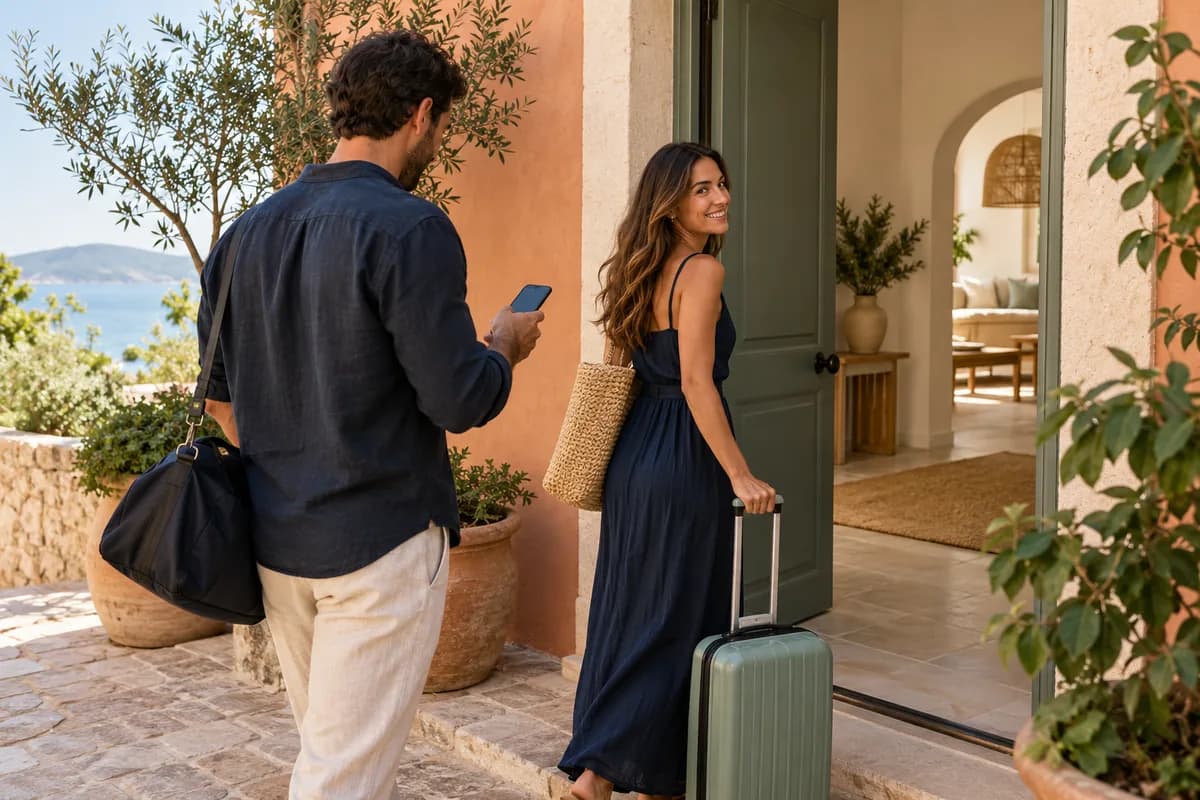
The guest portal is the guest-facing experience of your published digital guide. It brings the property information you choose to share into a browser page guests can revisit. It is available without a guest account or an app download.
Send the guide link through your usual communication channel. Include directions, arrival times and practical details you want guests to read before they travel.
Place the guide’s QR code in the property. Guests can open your Wi-Fi information, appliance instructions, house rules, local recommendations and contact details whenever they need them.
Make check-out times, key return and departure instructions easy to find. Review these details whenever your property’s arrangements change.
You decide when and where to share the published guide. Guests open it in their browser with an internet connection. Hostsy supplies downloadable QR files and customisable signs for you to print; physical printing is arranged by you.
Create your sign inside the property’s settings. The black vector QR stays in a protected white panel, and the required Hostsy.app signature automatically adapts to the background. You arrange printing; Hostsy provides the files.
These describe two sides of the same Hostsy experience. The guidebook is the content you organise and publish. The portal is how guests access that content throughout their stay. This page explains access and the guest journey; our guidebook page explores what to include and how to maintain it.
Explore digital guidebooksSee how a digital guest guide brings your property information together. Video with music and on-screen text, without narration.
The video opens with recurring questions about Wi-Fi, heating and check-out. It presents a digital welcome guide on a phone, with Wi-Fi, arrival and departure information, house instructions and local recommendations. A guest scans a QR code at the entrance to open the guide, without an app or account. The next scenes show centrally updated property information and guides, followed by Hostsy AI answering a team member’s question using property content and showing its source. The video closes with an invitation to make guests feel at home and try Hostsy free for 14 days, without a credit card. Background music accompanies the text; there is no narration.
You organise and publish the information for your property, and guests consult it through the shared guide. Hostsy AI supports hosts and their teams as they prepare guide content. This keeps the guest experience focused on the practical information you choose to share.
The guest portal is the guest-facing experience of your published digital guide. It brings the property information you choose to share into a browser page guests can revisit. It is available without a guest account or an app download.
You decide when and where to share the published guide. Guests open it in their browser with an internet connection. Hostsy supplies downloadable QR files and customisable signs for you to print; physical printing is arranged by you.
These describe two sides of the same Hostsy experience. The guidebook is the content you organise and publish. The portal is how guests access that content throughout their stay. This page explains access and the guest journey; our guidebook page explores what to include and how to maintain it.
You organise and publish the information for your property, and guests consult it through the shared guide. Hostsy AI supports hosts and their teams as they prepare guide content. This keeps the guest experience focused on the practical information you choose to share.
14 days free · No credit card · 1 property during the trial